Christmas is on its way
Count down the magic
Watch the days, hours and minutes tick toward the most wonderful morning of the year.
 my north poleportal.
✳ A NEW CHAPTER · HOLIDAY 2026
A new way to connect with the holiday elf they already love. Personal messages, live magic meters, and little moments of play that fill the whole day with Christmas wonder.
iPhone & iPad · Android · Amazon Fire
Coming for Holiday 2026. Store downloads open at launch.
For parents & guardians NORTH POLE STATION
2026 app preview · Sample family & voice
A NOTE FROM SOMEWHERE WONDERFUL
A kind moment. A brave first try. A reason to smile. Their elf’s letters celebrate the little things that make every child’s Christmas story their own.
Open their station together, read a note, or press play and hear a little North Pole magic.
Explore 24 elf portraits →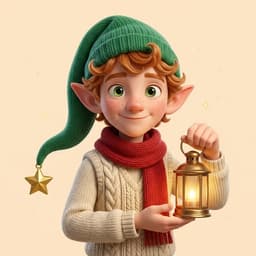
“Hello Avery! Thank you for helping put the books away. Your kindness brings a little more magic to the North Pole.”
With a little North Pole magic, Pip ♡A sample note for Avery, from Pip.
A LITTLE ENCOURAGEMENT GOES A LONG WAY
A little kindness makes the season brighter. The Nice List and elf magic meters bring that encouragement to life in their own North Pole station.
Little acts. Big heart.
Keep the magic glowing.
Celebrate kindness, effort, and trying again.
THERE’S MORE TO EXPLORE
A picture to make their own. A joke to share at lunch. The excitement of Christmas getting closer. Their station has little reasons to return between messages.
Watch the days, hours and minutes tick toward the most wonderful morning of the year.
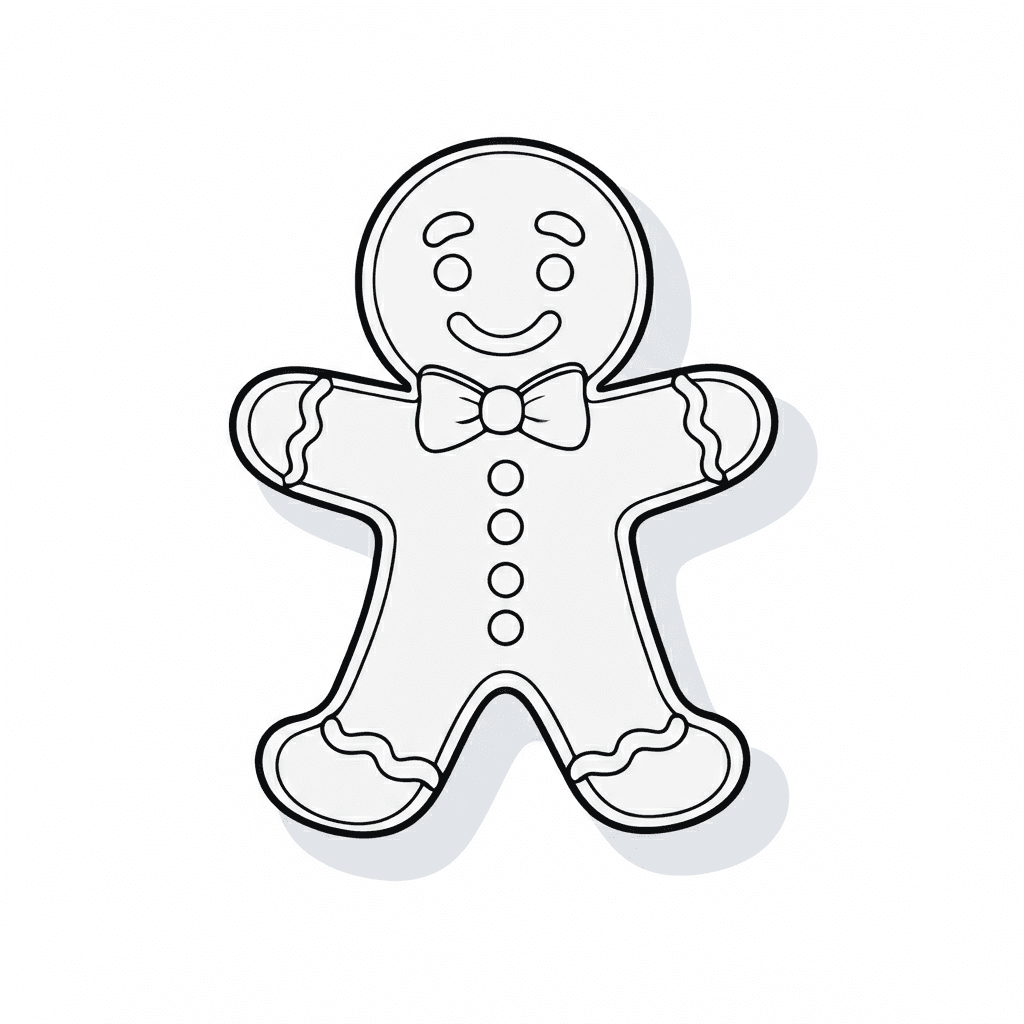
Fill, paint and try new colors. Keep pictures in their own art book on the device, ready to continue another day.
What kind of photos do elves take?
Reveal a punchline, hear a joke in the app, and find a new favorite to tell the whole family.
A little preview of the fun inside their North Pole station.
GETTING YOUR FAMILY STARTED
Here’s how your family will get started when the app arrives.
Download the app and create your parent account. One familiar place for a grown-up to get started.
Set up your family, add your elf for each child and pick your Season Pass. You’ll see the price and season details before buying.
Install the app on their phone or tablet and enter your pairing code. Their North Pole station is ready to explore.
Grown-ups handle setup and purchases. Children explore their own playful North Pole station.
MADE FOR THEIR EVERYDAY
A new message to listen to. A meter to check. A picture to finish and a joke to share. An experience built for the phone or tablet they already reach for.
A preview of our Holiday 2026 experience. Notification availability depends on device settings and permissions.
FOR PARENTS & GUARDIANS
Family setup, daily routines, and a closer look at the app. Best explored on your own screen.
MEET YOU AT THE NORTH POLE
Start on a grown-up’s phone. Bring the wonder to their tablet.
My North Pole Portal is getting ready for Holiday 2026.
Downloads aren’t open yet. We’ll add the store links here when each app launches.
Choose and purchase in the app at launch.
Pricing and season details will be shared before you buy.